
Settings and review
Set guidance, an end message and switching for a playbook, and use Review to see what has to be fixed before you publish.
Two parts of the editor help you keep a playbook in good shape: Settings for how the agent behaves, and Review for what needs attention.
Open Settings
- Go to TeachPlaybooks and open a playbook.
- Choose Settings in the top bar.
It holds three things.
Guidance is how the agent should behave throughout this playbook, for example "never mention refunds unless asked". The agent gets it on every turn while the playbook runs.
End message is said word for word when the playbook finishes. The conversation carries on after it. Leave it empty and the agent sums up and asks if there's anything else.
Let the agent switch to another playbook when the customer's need changes is on by default. Turn it off to keep the agent in this playbook until it finishes.
Turn switching off for a procedure that must be completed, like taking a payment. Leave it on for flexible ones, where a guest might ask about parking halfway through a booking.
Use Review
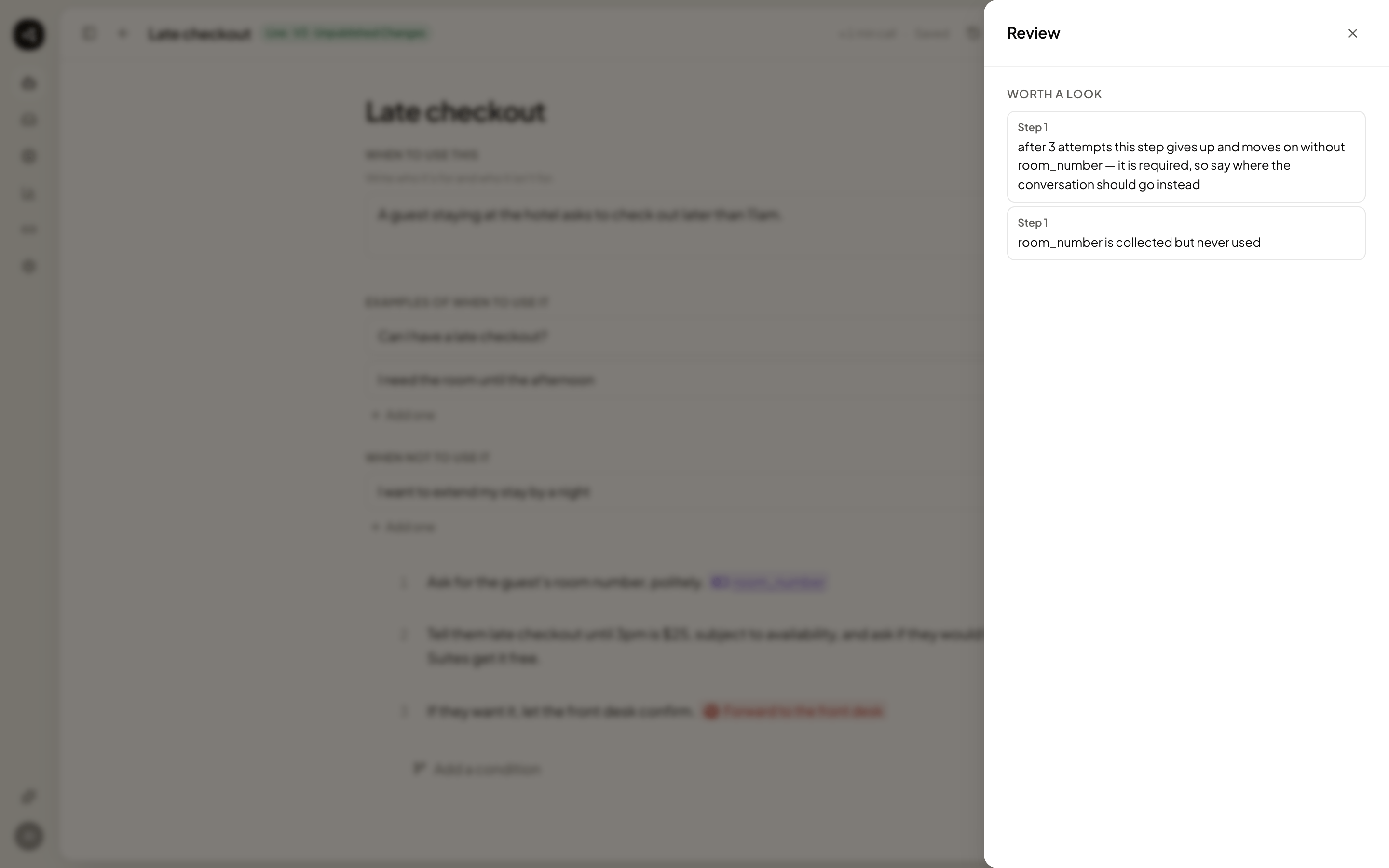
Every save checks the whole playbook. Steps with something to look at carry a small flag, and hovering it shows the note.
- Choose Review in the top bar. It shows a count.
- Read the two groups.
- Click a note to jump to its step.
With nothing listed, Review reads "Nothing to fix. This playbook looks ready."
Must fix before publishing
The playbook can't run as written, and Publish stays off. Examples are no When to use this, no steps, a tool that isn't live yet or no longer exists, a handoff routine that no longer exists, and a condition that can't be read.
Worth a look
The playbook can run, but check it. These never block publishing. Examples are a blank still to be decided, a value used before anything collects it, a step nothing leads to, a step that may need a tool but has none, and a very long playbook.
What to do next
Fix everything under Must fix before publishing, skim Worth a look, then try the draft in Dry run. When it behaves, publish. See Publish and versions.
FAQs
Why is Publish greyed out?
Either changes are unsaved, or something under Must fix before publishing is still open. Hover Publish to see how many problems are left.
Do Worth a look notes stop me publishing?
No. They are suggestions and never block publishing.
Does Guidance apply to every playbook?
No. It applies to this playbook only, on every turn while it runs.
What does turning off switching do?
The agent stays in this playbook until it finishes, even if the customer asks for something else.