
What is Careflow
Careflow gives your business AI agents that answer calls and chats, follow your procedures, and hand over to a person when it matters.
Careflow lets you build AI agents for voice, WhatsApp and your website. You teach an agent once, what it knows, what it does and when to bring in a human, then put it live on your channels and watch every conversation it handles.
Think of a small clinic. The front desk is busy, calls go unanswered at lunch, and the same ten questions come up all day. With Careflow you build one agent that answers those questions from your own content, books appointments by following your steps, and passes anything sensitive to a nurse. You don't write code to do any of it.
What you can do
Build an agent
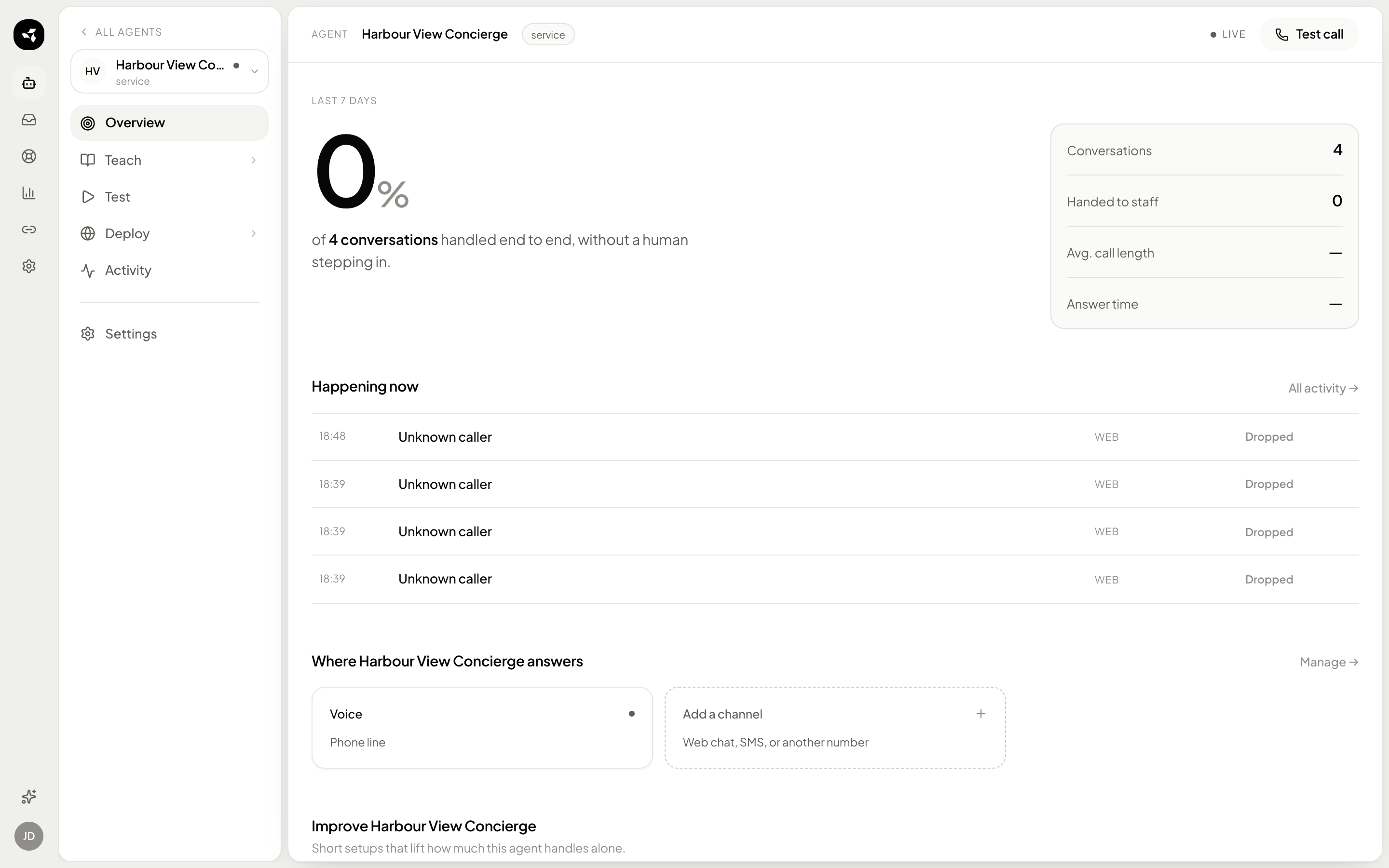
An agent is one AI helper for your business. You create it under Agents, then open its console to teach, test and deploy it. The same agent serves every channel, so you never rebuild it for the phone and again for your website. See Agents overview and Create an agent.
Teach it what to say
Knowledge is the reference material an agent answers from: your opening hours, price list, policies and FAQs. You upload documents, sync a website or type Q&As, and the agent uses them instead of guessing. See Knowledge overview.
Give it a procedure
A playbook is the scripted procedure an agent follows, such as the questions to ask when a guest wants to book a room, and what to do with each answer. See Playbooks overview.
Let it take action
Tools let an agent do things in your systems during a conversation, like checking an order or booking a slot. See Tools overview.
Bring in a person
A handoff decides when a person steps in and how they are reached. When an agent hands over, Careflow raises an escalation that your team can claim and resolve. See Handoffs overview.
Choose how it sounds
Persona sets the tone, role and greeting, plus words to always or never say. See Persona overview.
Reach customers where they are
Channels are how customers get to an agent: a phone call, a WhatsApp message, the chat widget on your website, or your own app through the API. See Channels overview and Phone and voice overview.
Watch it work
Every conversation is recorded. The Inbox is where your team reads conversations and works escalations, and Analytics shows volume and outcomes over time. See Inbox overview and Analytics overview.
How changes reach customers
An agent has one live copy. Publishing switches it on, and from then on, settings, persona, voice and knowledge changes you save reach its next conversation. Playbooks are the exception: they stay in draft until you publish them. So try changes on the agent's Test page first. See Publish and go live.
Who does what
Careflow has three roles. Members build and publish agents and work the Inbox. Managers also run the workspace: the team, billing, channels, phone numbers and security. The Owner is whoever created the workspace. See Roles and permissions.
A few terms
- Workspace: your organisation's container for agents, team, settings and billing.
- Session: one conversation between a customer and an agent, a call, a WhatsApp thread or a chat.
- Case: the record Careflow writes when a conversation ends, with its topic and what the agent did.
- Copilot: a chat panel that answers questions about your workspace and proposes changes for you to approve. It appears when it is turned on for your workspace. See Copilot overview.